
Why Is My Phone Showing No Network After IMEI Unblocking?
Byadmin
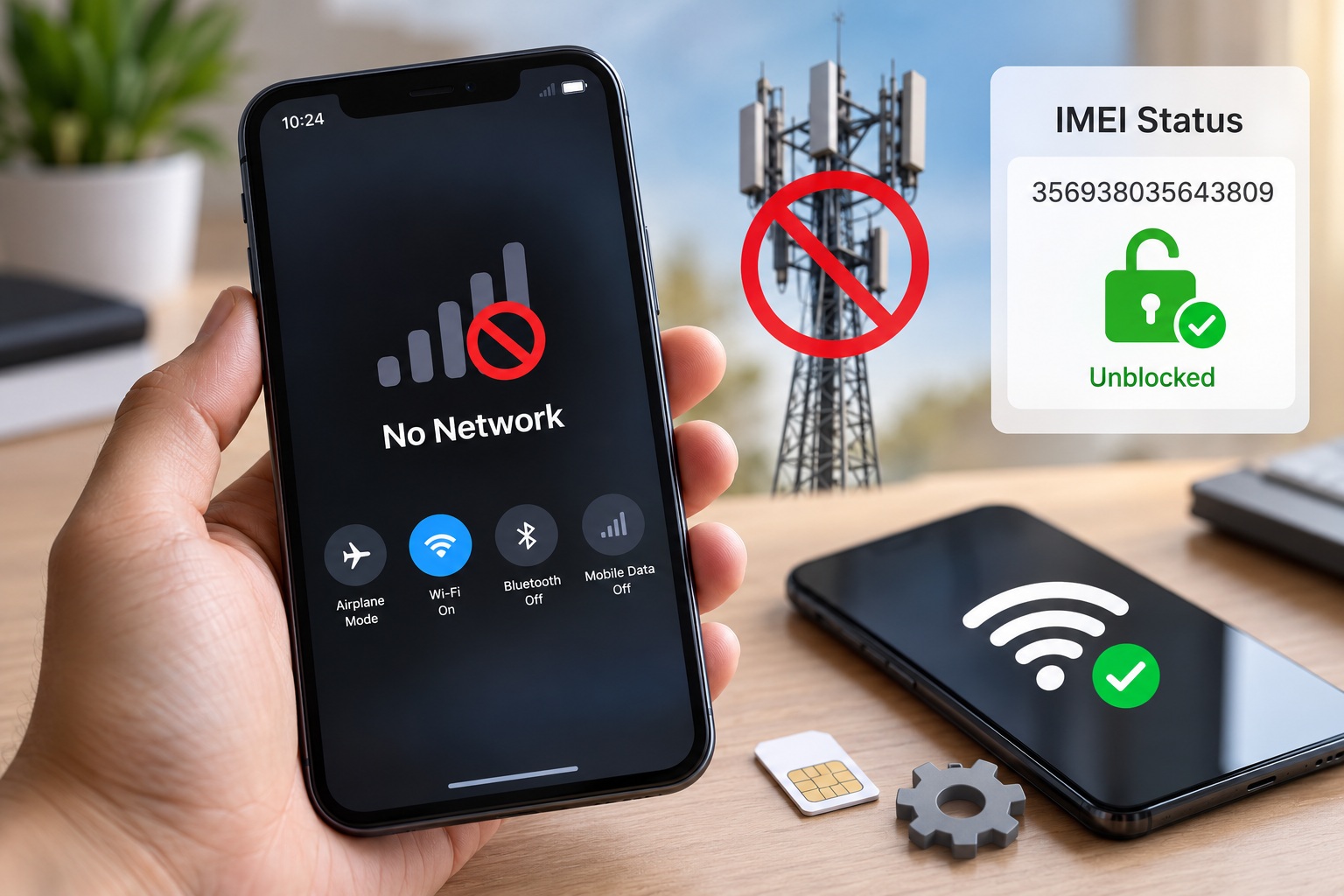
If your phone is showing no network after IMEI unblocking, the problem may not be your SIM card or mobile network alone. Your phone may still be affected by a pending unblocking request, an incorrect IMEI record, a carrier restriction, a SIM-related issue, or a hardware fault. Before spending money on repairs, it is important to identify the actual cause.
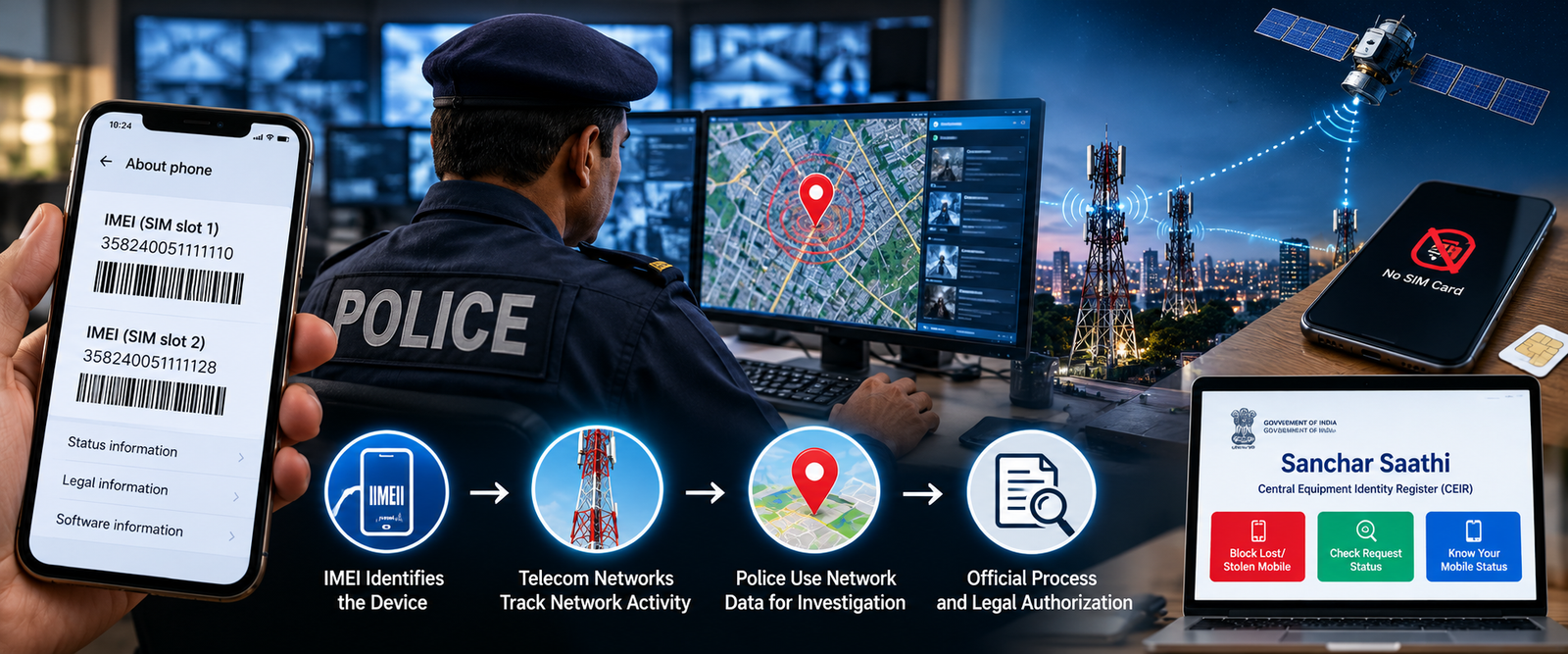
IMEI blocking is used to prevent a reported lost or stolen mobile phone from accessing cellular networks. In India, the Central Equipment Identity Register (CEIR), available through the government's Sanchar Saathi portal, provides services to block lost or stolen phones, unblock recovered devices, and check request status.
However, completing an unblocking request does not automatically prove that every other network-related problem has been resolved. If your device still displays “No Service,” “Emergency Calls Only,” or “Searching for Network,” you need to check the IMEI status, SIM card, network settings, and device compatibility.
An online IMEI checker can help you investigate the device's reported status, but it cannot independently restore cellular service or guarantee access to a mobile network. The following guide explains what to check and when to contact your telecom provider.
Can a Blocked IMEI Phone Still Connect to Wi-Fi?
Yes, a phone with a blocked IMEI can generally connect to Wi-Fi if its Wi-Fi hardware and software are working correctly. IMEI blocking primarily restricts cellular network access; it does not ordinarily disable the phone's Wi-Fi, Bluetooth, camera, or offline applications.
For example, imagine that your phone was stolen and you reported it to the authorities. You later recovered the device, but its IMEI remained blocked. You might still be able to connect to your home Wi-Fi, browse websites, use messaging applications over the internet, and access cloud-stored photos.
However, Wi-Fi access does not mean the IMEI has been unblocked. The device may continue to be unable to make ordinary cellular calls, send SMS messages through the mobile network, or use mobile data.
There are also some important distinctions:
Wi-Fi calling: This depends on your carrier, phone model, software configuration, and account eligibility. It may not work on every device or network.
Mobile data: A working Wi-Fi connection does not restore cellular data when the IMEI or SIM is restricted.
Location services: GPS and internet-based location features may still work under suitable conditions, but they do not guarantee that a lost phone can be located.
Emergency calling: Availability depends on local network conditions and applicable rules. Do not assume that a blocked phone will always be able to place an emergency call.
If your phone connects to Wi-Fi but cannot detect a cellular network, test another known-working SIM card where appropriate and check the device's status through the relevant official service. Avoid repeatedly resetting the phone before checking whether the underlying restriction has actually been cleared.
What Happens If You Buy a Second-Hand Phone With a Blacklisted IMEI?
Buying a second-hand smartphone can save money, but an IMEI blacklist can turn an apparently good deal into an expensive mistake. A phone may look perfect, switch on normally, and connect to Wi-Fi while still being restricted from using cellular networks.
An IMEI is a device identifier used by mobile networks to identify a handset. It is generally a 15-digit number, and a dual-SIM phone may have two IMEI numbers. The status of one identifier does not automatically establish the status of the other.
Before buying a used phone, follow these checks:
Dial
*#06#on the device to display its IMEI number or numbers.Compare the displayed numbers with the device box, purchase invoice, or other available documentation.
Check the device through an official IMEI verification service, such as the relevant facility on Sanchar Saathi.
Insert your own working SIM and test calls, SMS, and mobile data.
Ask the seller for a valid purchase invoice and written confirmation of ownership.
Walk away if the seller refuses reasonable checks or the device is reported as blacklisted, duplicated, or already in use.
India's official CEIR portal advises buyers to avoid purchasing a handset whose status is shown as blacklisted, duplicate, or already in use. It also provides IMEI verification guidance.
Consider a practical example: a buyer purchases a refurbished phone from an online marketplace. The device connects to Wi-Fi and appears fully functional, but it cannot register on a mobile network. An IMEI check then identifies a blacklist concern. In this situation, changing network settings repeatedly is unlikely to resolve the underlying restriction.
The buyer should preserve the listing, payment receipt, seller communications, and device details, then contact the seller or marketplace to request a resolution. If fraud is suspected, the buyer can report it through the appropriate official channels.
An IMEI tracker or device-status tool should not be treated as a substitute for ownership verification. A status check can provide useful information, but it cannot guarantee that a second-hand phone is legally owned, free of every restriction, or compatible with every carrier.
Can IMEI Blocking Stop a Stolen Phone From Being Used Abroad?
IMEI blocking can restrict a stolen phone's access to cellular networks, but the geographical scope depends on the systems and network operators involved. A block applied through India's CEIR system should not be assumed to create a universal, worldwide block across every foreign network.
India's CEIR information states that a successfully blocked lost or stolen handset cannot be used on networks across India. The system also notes that blocking does not prevent the police from tracking the device.
What happens when the device crosses an international border depends on several factors, including whether the foreign network checks the relevant device identifier against an applicable blacklist.
A few points are worth understanding:
A foreign operator may have different device-blocking arrangements from Indian operators.
Roaming access and local SIM access are not the same thing.
A device that cannot register on one network may still behave differently on another network.
Wi-Fi connectivity may continue to work even when cellular service is restricted.
IMEI blocking does not erase the phone's data or automatically protect accounts stored on it.
If your phone has been stolen, report the incident to the police and use the official procedure to block the handset. Keep your request ID and relevant documents. Also secure your email, banking, and social media accounts, and contact your mobile operator to protect your SIM.
Do not rely on the assumption that a phone becomes unusable everywhere once it is blocked in one country. The purpose is to restrict cellular use through participating systems, not to guarantee that the hardware can never be used again.
How to Check Whether Your Lost Phone Has Been Reported Stolen
If you have recovered a phone, purchased a used device, or suspect that a handset has been reported stolen, checking its status is a sensible first step. However, there is a difference between verifying an IMEI's reported status and checking whether a police complaint exists.
Start with the official CEIR service through Sanchar Saathi. The portal provides options for blocking lost or stolen handsets, unblocking recovered devices, and checking the status of submitted requests.
Follow these steps:
Find the IMEI. Dial
*#06#on the handset, if accessible. You can also check the original packaging or purchase invoice.Verify the identifier. Make sure you have entered the correct 15-digit number. For dual-SIM devices, check both identifiers.
Use an official verification facility. Follow the current instructions provided by Sanchar Saathi or CEIR.
Review the result carefully. If the device is reported as blacklisted, duplicated, or already in use, do not assume it is safe to purchase.
Check the complaint separately if necessary. Contact the relevant police authority if you need confirmation of a police report or case status.
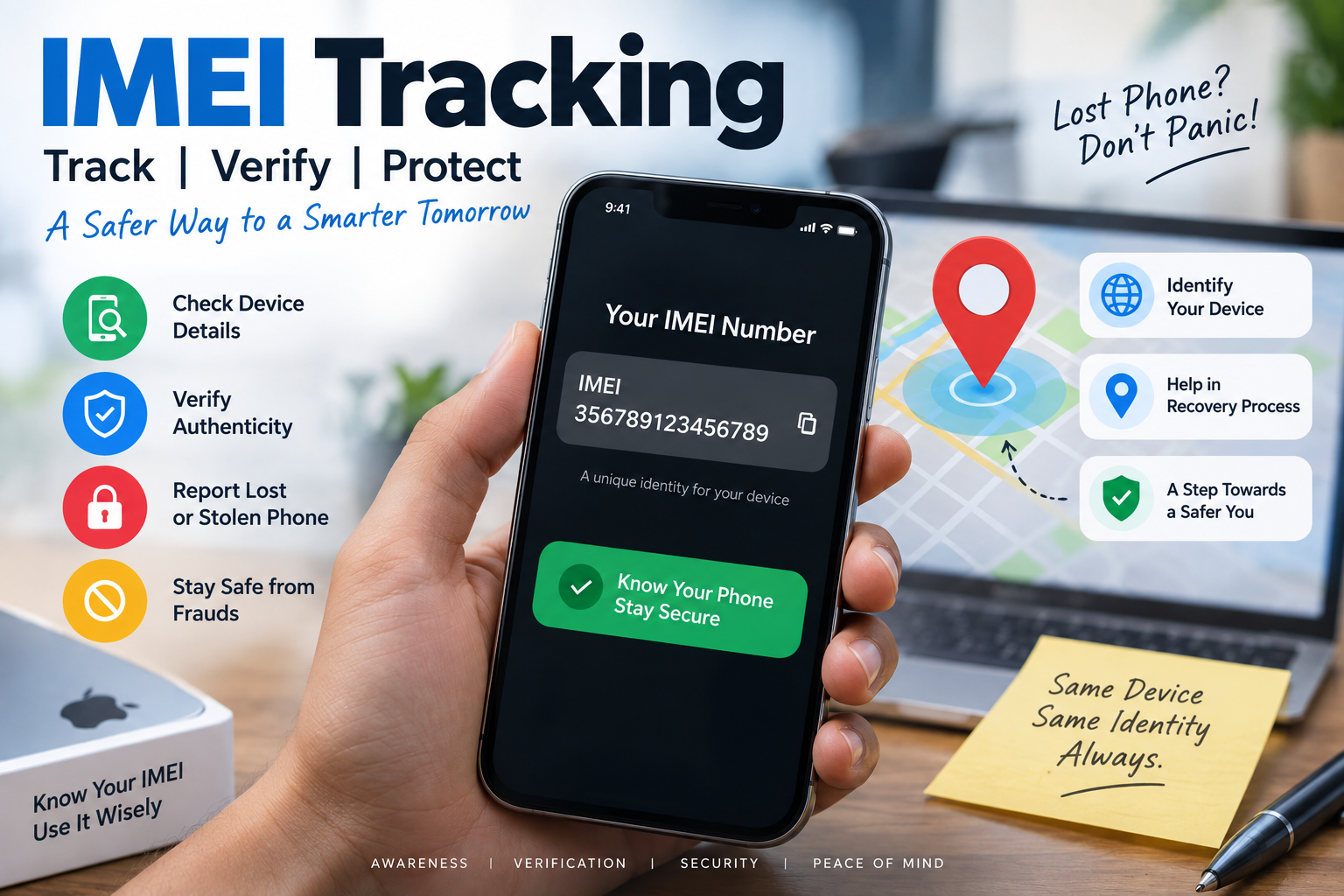
An online IMEI checker may help identify basic device information or a reported status, depending on the service and its data sources. It cannot guarantee access to police records, reveal a private person's identity, or provide live GPS coordinates merely from an IMEI number.
If you are trying to locate your own missing phone, use the manufacturer's official device-finding service where it is available, contact your carrier, and report the loss to the police. These steps are more appropriate than relying on websites that promise exact live location from an IMEI alone.
What to Do If Your Phone's IMEI Is Blocked by Mistake
An incorrect or unexpected blacklist result needs careful handling. It may relate to a mistaken report, an incorrect identifier, a duplicate IMEI, an ownership dispute, or a restriction that has not yet been resolved. Do not assume that every blocked device can be cleared through a simple settings change.
Start by comparing the IMEI displayed by the phone with the number printed on the original box or invoice. If the numbers differ, investigate before submitting any request. On a dual-SIM handset, make sure you are checking the correct identifier.
Next, gather your purchase invoice, identity documents where required, and any relevant communication from the seller, carrier, or authorities. Contact your telecom provider to ask whether the restriction is network-related or associated with the device's IMEI status.
If the device was blocked through India's CEIR process, visit the official CEIR portal and review the request-status and help options. If the handset was reported through state police, the official guidance may require you to approach the relevant state police authority for unblocking.
For an incorrect restriction, take these practical steps:
Request clarification from your mobile operator about the reason for the network restriction.
Keep your complaint or request ID and copies of all supporting documents.
Follow the official correction or grievance process relevant to the original block.
Ask the seller for assistance if the problem began after a second-hand purchase.
Avoid unofficial services that demand payment to alter an IMEI or promise guaranteed blacklist removal.
Never attempt to change or rewrite the device's IMEI to bypass a restriction. Such tampering may be unlawful and can create further network, security, or ownership problems.
If the official status shows that the IMEI is clear but the phone still has no service, investigate the SIM, network settings, carrier compatibility, and hardware. An online IMEI checker can be one part of the investigation, but it cannot diagnose every cause of a failed network connection.
Frequently Asked Questions
1. How long does it take for a phone to work after IMEI unblocking?
The time depends on the relevant unblocking process and whether the restriction has been cleared in the systems used by your operator. Check the official request status first, then restart the phone and test a working SIM. If service does not return, contact your operator or the relevant CEIR helpdesk rather than assuming that a fixed waiting period applies to every case.
2. Can an online IMEI checker confirm why my phone has no network?
An online IMEI checker may identify a reported blacklist status or provide basic device information, depending on its data sources. It generally cannot confirm every carrier-side restriction, SIM failure, coverage issue, or hardware fault. Use official verification services where possible and ask your mobile operator to investigate the network registration failure.
3. Can I track an IMEI number if the phone has no network?
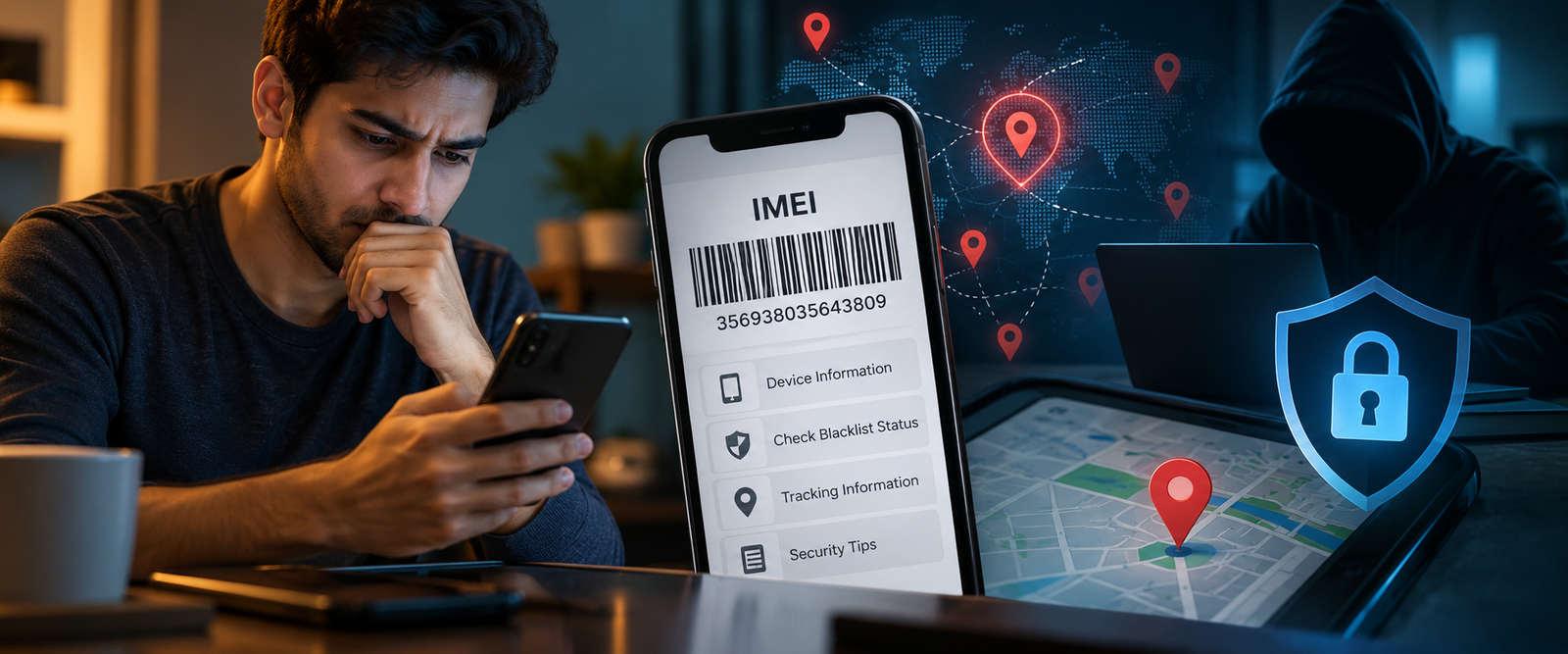
An IMEI number identifies a mobile device; it does not independently provide its live location. Cellular-based tracing depends on available network information and appropriate authorized access. If your phone is missing, report it to the police, use official lost-device services, and block the handset through the relevant process. Do not trust a website that guarantees live GPS tracking simply by entering an IMEI.
Leave a Reply
Your email address will not be published. Comments are reviewed before they appear.