
Can You Really Track Any Phone With an IMEI Number?
Byadmin
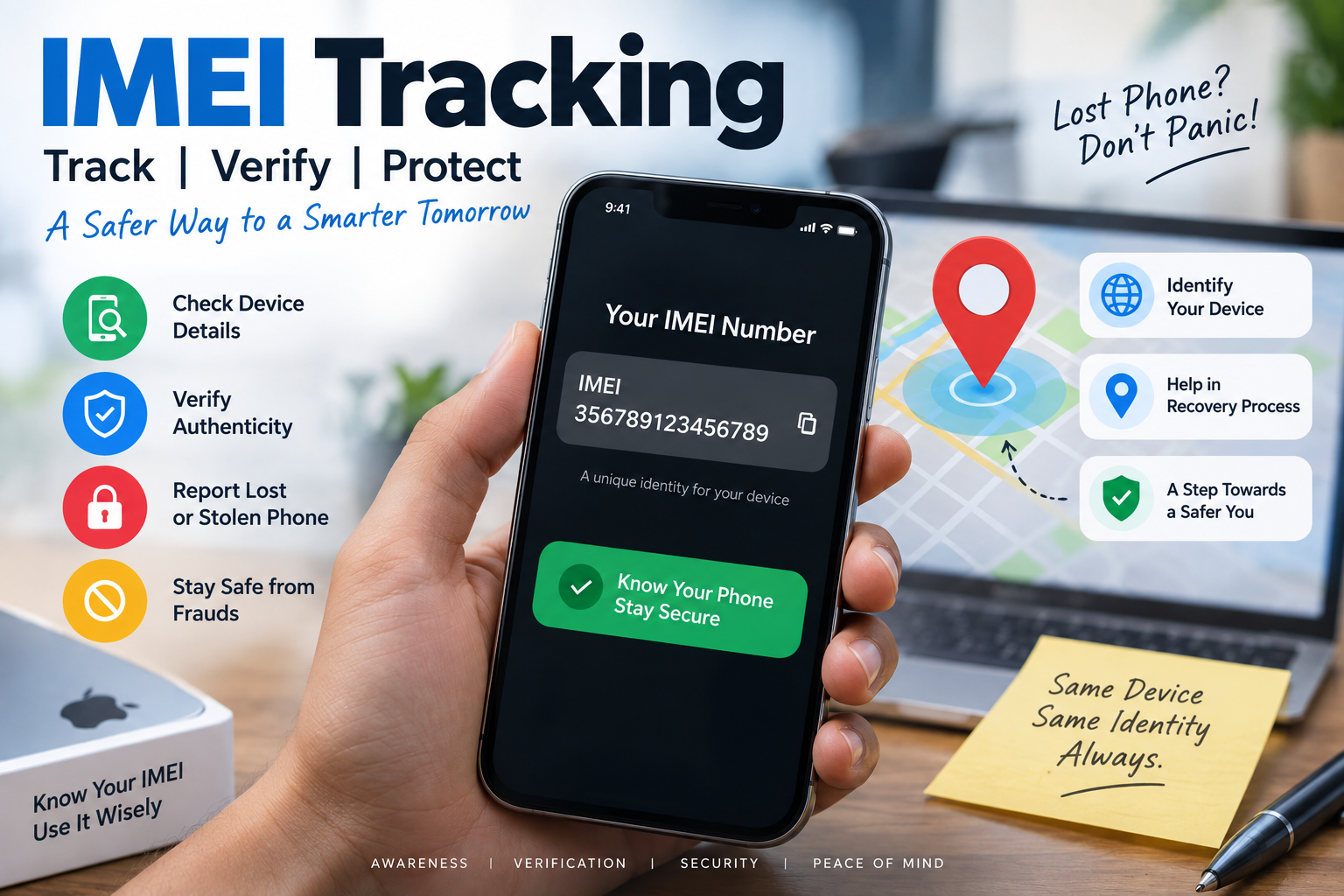
Losing a phone creates an immediate temptation to search for an track imei tool and enter the device number to see its location. But there is an important difference between what an IMEI number is designed to do and what many websites claim it can do.
So, can you track a phone with an IMEI number? The short answer is: not in the way most people imagine. An IMEI number identifies a cellular device. It can help mobile operators, authorities, and official systems identify or block a device, particularly when it has been reported lost or stolen. However, simply typing an IMEI into a random website does not normally give an individual access to a live GPS location.
That distinction matters.
The International Mobile Equipment Identity, or IMEI, is generally a 15-digit identifier associated with a cellular device. GSMA explains that an IMEI is used to identify a device on a mobile network and that its structure includes a Type Allocation Code, serial number, and check digit.
If your phone is missing, the IMEI is still extremely useful. It can support reporting, device blocking, verification, and network-level identification. But for actually viewing a phone's location on a map, dedicated services such as Google's Find Hub or Apple's Find My are usually the appropriate tools.
Can You Track a Phone With an IMEI Number?
The confusion comes from the word “tracking.”
An IMEI can be involved in processes that help identify and trace a lost or stolen phone through cellular networks and official systems. But that does not mean that an ordinary user can enter the 15-digit number into an online form and instantly see the phone moving around on Google Maps.
Think of the IMEI as a device identity, not a GPS coordinate.
When a cellular device communicates with a mobile network, the network can associate the device identifier with the mobile subscription being used. GSMA documentation describes the IMEI as a device identifier signalled to the mobile network when the device connects.
This creates an important distinction:
IMEI: Identifies the physical cellular device.
GPS/location services: Help determine geographical position.
SIM/subscriber information: Identifies the mobile subscription being used.
Mobile network records: Can associate devices and network activity.
Find My / Find Hub: Consumer-facing services designed to locate lost devices.
Therefore, an IMEI by itself is not a magic location key.
What Exactly Is an IMEI Number?
IMEI stands for International Mobile Equipment Identity.
It is normally a 15-digit identifier associated with a cellular-capable device. GSMA describes the IMEI as a unique identifier for a device on a mobile network. The first eight digits form the Type Allocation Code, which provides information about the device model or type.
You may see an IMEI on:
Your phone's settings.
The original phone box.
A purchase invoice.
Your device account or manufacturer's service page.
An official device-finding service.
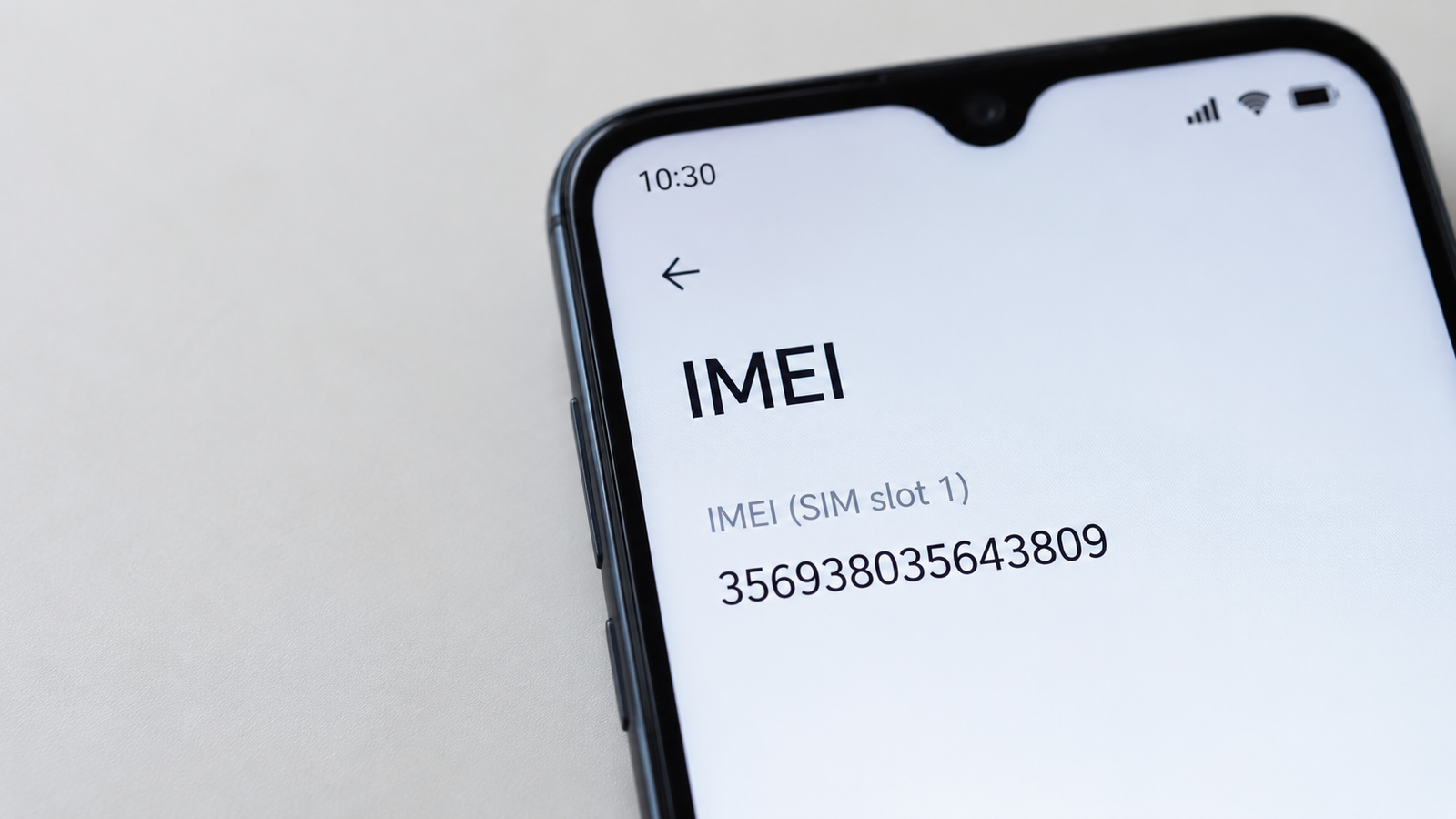
On many phones, dialing *#06# displays the IMEI. GSMA's device-check guidance also identifies *#06# as a way to display an IMEI on supported phones.
Dual-SIM phones may have more than one IMEI because different cellular interfaces can have separate device identifiers.
Why Does the IMEI Matter?
The IMEI is particularly useful when a phone is lost or stolen.
A network operator can use the device identifier for network-related purposes, including blocking a reported device. Google's Android documentation also notes that a mobile service provider can use a device's IMEI to disable the device.
That makes the IMEI valuable even when it cannot independently provide you with a live location.
How Does IMEI Tracking Actually Work?
The phrase IMEI tracking can describe several different processes, which is why online explanations often become misleading.
Suppose you lose your phone on the way home.
You still have its IMEI written on the box or invoice. You report the loss and provide the IMEI to the appropriate carrier or authorities. If the device later connects to a cellular network, the device identifier can help identify that handset within network systems.
This is very different from entering the IMEI into a public website and receiving a precise location.
A simplified process looks like this:
Lost phone → IMEI reported → device connects to network → network identifies device → authorized systems can use relevant information
The exact procedures vary by country, operator, and legal framework.
The important point is that access to network-level information is not the same thing as public access to a device's location.
Can an IMEI Number Show Live GPS Location?
Generally, no.
An IMEI number itself does not contain the phone's current latitude and longitude.
The number identifies the device. Location information comes from technologies and systems such as GPS, Wi-Fi positioning, cellular networks, Bluetooth-based finding networks, and other location services.
For example, Google's current Find Hub service can locate, secure, or erase supported lost Android devices. Google says devices can use current location information or encrypted recent/offline location information depending on the configuration and circumstances.
Apple's Find My similarly allows users to locate supported lost Apple devices on a map, mark them as lost, and protect their information.
So if someone claims:
“Enter any IMEI and instantly see the phone's exact live GPS location.”
Treat that claim with serious skepticism.
A legitimate device-identification service and a supposed “instant IMEI location tracker” are not the same thing.
IMEI Tracker vs Find My and Find Hub
If your goal is to recover your own lost phone, it helps to understand what each system is actually designed for.
MethodMain purposeCan it help locate a phone?IMEIDevice identificationIndirectly, through authorized network/official processesGoogle Find HubLocate and secure Android devicesYes, where supportedApple Find MyLocate and secure Apple devicesYes, where supportedSIM informationIdentify mobile subscriptionNot by itselfGPSDetermine geographical positionYesIMEI checkerVerify device information/statusUsually no live location
The biggest mistake is treating an IMEI checker as though it were a GPS tracking platform.
An IMEI checker may tell you information about a device or its status. It does not automatically give you access to private network location data.
What Should You Do If Your Phone Is Lost?
If your phone has just disappeared, don't waste the first hour testing questionable tracking websites.
Start with the official tools associated with your device.
For Android Phones
Google's current Find Hub system can help users locate, secure, or erase supported Android devices. Google recommends having a Google Account signed in, Location enabled, and Find Hub configured so the device can be located.
If the phone is already missing:
Open Google's Find Hub service.
Sign in with the Google Account associated with the phone.
Select the missing device.
Check its available location information.
Use the available security options.
Mark the device as lost when appropriate.
Erase the device remotely if recovery appears unlikely and protecting personal information becomes the priority.
Google also explains that supported devices can participate in offline finding through its network, meaning location information may sometimes be available even when the device is not currently connected in the usual way.
For iPhones
Apple's Find My service is the primary tool for locating a missing iPhone.
You can use the Find My app or the appropriate Apple web service to locate the device, mark it as lost, or erase it when necessary. Apple specifically recommends marking a missing device as lost to help protect personal information.
This is one reason setting up your device's official finding service before losing the phone is so important.
What Can You Do With an IMEI After a Phone Is Stolen?
The IMEI becomes particularly important when you move from “finding” the phone to reporting and identifying it.
In India, the Department of Telecommunications operates the Central Equipment Identity Register (CEIR) through the Sanchar Saathi ecosystem.
The official CEIR service allows users to request blocking of lost or stolen mobile devices using their IMEI. The government states that, after a successful blocking request, the phone is blocked from use on networks across India. It also explicitly notes that blocking the device's IMEI does not prevent police from tracking the lost or stolen phone.
The current CEIR portal also provides an IMEI verification facility for checking device genuineness and status.
As of September 2026, the CEIR portal displays more than 59 lakh mobiles blocked and more than 36 lakh mobiles traced in its published statistics. These figures are dynamic and should be treated as the portal's current reported totals rather than a guarantee that every traced device has been recovered.
That is a useful real-world example of why the IMEI matters.
It may not give you a public live map, but it can play a significant role in the official process surrounding a lost or stolen device.
How to Track IMEI Number Through Official Channels
If by “track IMEI number” you mean finding a lost phone through its device identifier, the process depends heavily on your country and mobile network.
For users in India, CEIR provides an official route for reporting and blocking lost or stolen mobile devices.
The process generally involves:
Filing a police report or complaint.
Getting a replacement SIM for the lost number when required.
Keeping identity documents ready.
Providing the IMEI.
Submitting the blocking request through CEIR.
Saving the generated Request ID.
Checking the request status later.
The official CEIR instructions state that users should first file a police report and obtain a duplicate SIM for the lost number before submitting the online blocking request.
If the phone is subsequently recovered, CEIR also provides a process for unblocking the IMEI.
This is much more reliable than entering an IMEI into an unknown website claiming to reveal a private location.
Can Someone Track Your Phone With Your IMEI?
This is another common concern.
Simply knowing your IMEI does not normally give another ordinary person a public dashboard showing your location.
The IMEI is a device identifier, and access to carrier or law-enforcement information is controlled through the relevant systems and procedures.
That does not mean you should publish your IMEI unnecessarily.
For example, avoid posting your complete IMEI publicly on social media, forums, or random websites. You should provide it to legitimate parties when there is a genuine reason, such as device support, a carrier, an insurer, or an official lost/stolen-device reporting process.
What IMEI Tracking Websites Can and Cannot Do
Not every website using the words “IMEI tracker” provides the same service.
Some may offer legitimate device information or IMEI checking. Others may simply collect numbers, display generic device information, or make exaggerated claims about location tracking.
Before using one, ask what information it can actually verify.
A legitimate service may help with:
Device identification.
Manufacturer or model information.
IMEI validation.
Blacklist or block-status information where the service has access to the relevant database.
Guidance for reporting a lost or stolen device.
Be skeptical of claims such as:
“Track any phone instantly with IMEI.”
“Get exact GPS coordinates from an IMEI.”
“Track any phone without permission.”
“Track a switched-off phone anywhere.”
“Find someone's location using only their IMEI.”
These claims oversimplify how mobile networks and location systems work.
A Realistic Example
Imagine that Rahul buys a smartphone and keeps the box in a drawer.
Six months later, the phone is stolen.
Rahul finds the IMEI printed on the box. He now has an important identifier, but entering it into a random “free IMEI tracker” is unlikely to magically display the thief's current location.
Instead, Rahul can:
Try the official device-finding service.
Lock or mark the device as lost.
Contact the mobile operator.
Report the theft to the police.
Provide the IMEI.
Follow the applicable national lost-device process.
Block the device where the official system supports it.
This approach uses the IMEI for what it is actually good at: identifying the device and supporting official recovery or blocking procedures.
How to Protect Your Phone Before It Goes Missing
The best time to prepare for a lost phone is before you lose it.
Take a few minutes now to record your device information.
Keep these details somewhere secure:
IMEI number.
Serial number.
Model name.
Purchase invoice.
Mobile number.
Google or Apple account details.
Emergency contact information.
Also make sure your phone has:
A strong screen lock.
Biometric authentication where available.
Device-finding features enabled.
Regular backups.
Two-factor authentication on important accounts.
Google specifically recommends configuring Find Hub and Location settings in advance so a lost Android device can be found and secured.
Apple similarly provides Find My features designed to help locate and protect lost devices.
The Bottom Line: Can You Really Track Any Phone With Just an IMEI Number?
No—not in the simple way many online advertisements suggest.
An IMEI is primarily a device identifier, not a public GPS tracking password. It can be extremely useful when a phone is lost or stolen because carriers, authorities, and official systems can use device identifiers as part of identification, blocking, and recovery processes.
But an ordinary person generally cannot take any IMEI number, enter it into a website, and obtain a live map showing the phone's exact location.
If your phone is missing, use the right tool for the job:
Use Find Hub for supported Android devices.
Use Find My for supported Apple devices.
Use the IMEI when dealing with your carrier, police, insurer, or official lost-device systems.
Use official IMEI-checking services when verifying a device.
Avoid websites promising instant, unrestricted IMEI location tracking.
The distinction is simple: IMEI identifies the device; location services determine where a device may be. In some official investigations and network processes, the two can work together, but that does not make an IMEI a standalone public location tracker.
If you understand that difference, you can avoid fake tracking claims and take much more effective action when a phone actually goes missing.
Frequently Asked Questions
What is an IMEI number used for?
An IMEI number identifies a cellular device on a mobile network. It can help carriers and official systems identify, verify, or block a device, especially when it has been reported lost or stolen. GSMA defines IMEI as a device identifier used on mobile networks.
How to find the IMEI number of a lost phone?
Check the original phone box, purchase invoice, device account, or an associated device-management service. On many phones, *#06# displays the IMEI, but that obviously requires access to the device. Android's Find Hub can also display the IMEI for supported devices associated with your account.
What is the best way to locate a lost phone?
Use the official device-finding system whenever possible. Android users can use Google's Find Hub, while Apple users can use Find My. The IMEI should then be used for carrier, police, insurance, or official lost-device procedures where appropriate.

Leave a Reply
Your email address will not be published. Comments are reviewed before they appear.