
Why Is My Phone Not Connecting to a Network After IMEI Unblocking?
Byadmin
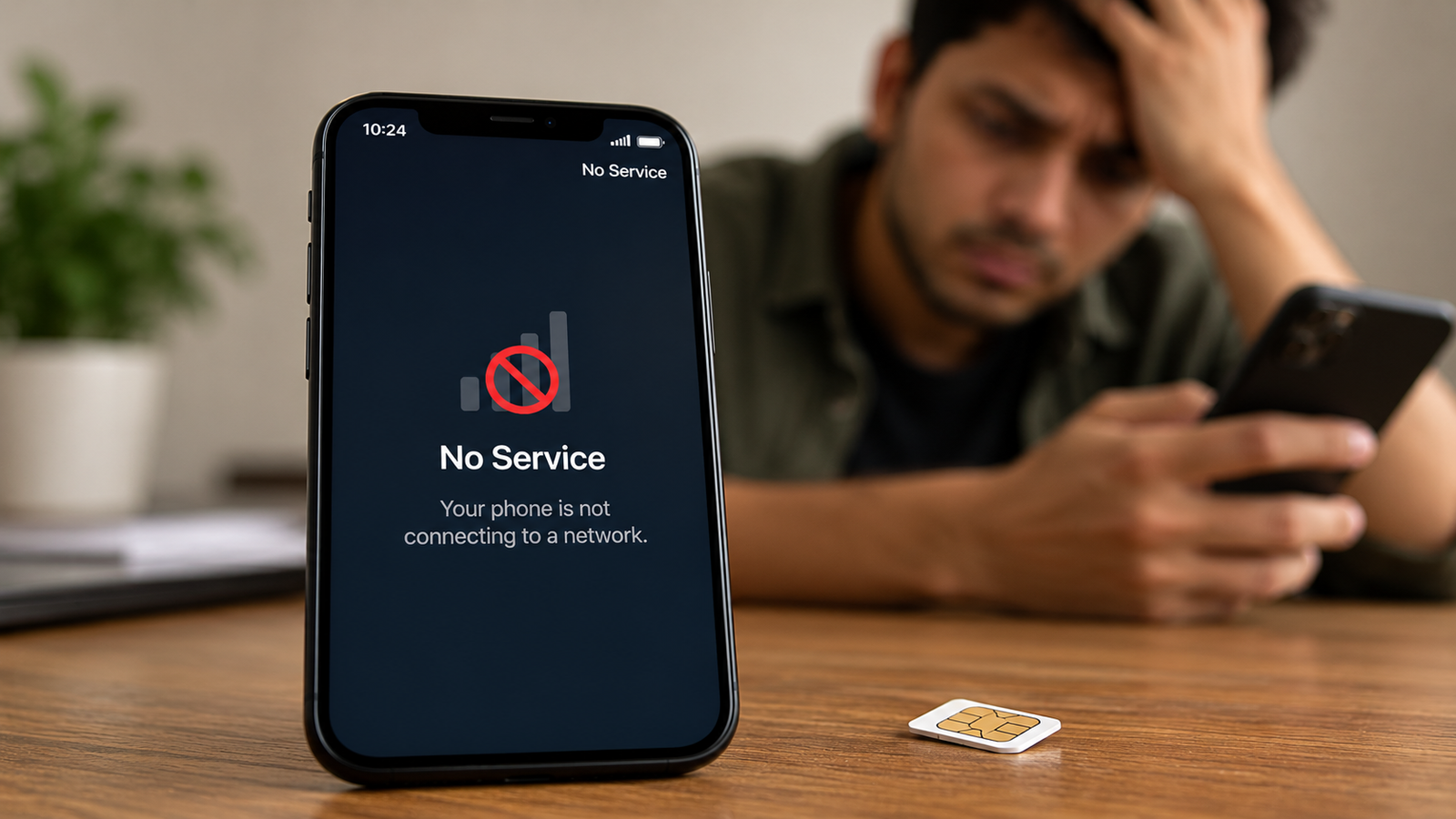
Getting your phone's IMEI unblocked should help resolve network access problems caused by an IMEI restriction. However, you may still see messages such as “No Service,” “Emergency Calls Only,” or “Not Registered on Network” even after your unblocking request has been approved. This can be confusing, especially if you need your phone for everyday calls, messages, or mobile data.
IMEI unblocking does not automatically fix every problem affecting a phone's cellular connection. The issue may be related to a pending database update, an inactive SIM card, weak network coverage, incorrect network settings, or a separate device fault. Identifying the actual cause is more useful than repeatedly restarting your phone or submitting the same request.
In this guide, we explain why your phone may not connect to a network after IMEI unblocking, what you can check yourself, and when you should contact your mobile operator or the relevant authority.
Common Reasons Your Phone Is Not Connecting to a Network
Several issues can prevent your phone from connecting to a mobile network after an IMEI restriction has been removed. Before assuming that the unblocking process failed, check the following possibilities.
The IMEI Blocking Status Has Not Been Updated
An approved unblocking request and restored network connectivity are not necessarily the same thing. The status may have been updated in one system while the relevant network or device-registration records are still being processed.
For example, suppose you submitted a request to unblock a recovered phone and received confirmation that it was approved. If the phone continues to display “No Service,” the network restriction may not yet have been fully reflected across the systems involved.
What you can do:
Check your unblocking request status through the official channel you used.
Follow any instructions provided in the approval confirmation.
Restart your phone and check whether the network returns.
Contact your mobile operator or the relevant authority if the status appears correct but service remains unavailable.
Avoid submitting multiple requests immediately without checking the existing request. First establish whether the original process has been completed.
Your SIM Card Is Not Detected or Activated
Sometimes, the IMEI is no longer blocked, but the SIM card itself is causing the problem. A damaged SIM, an inactive connection, an expired prepaid service, or a SIM that has not been properly activated can prevent calls and mobile data from working.
A simple way to narrow down the cause is to test the SIM card in another compatible phone. You can also try a known-working SIM card in the affected device.
These checks help distinguish a SIM-related problem from a phone-related issue.
Try these steps:
Switch off your phone and remove the SIM card.
Check the SIM for visible damage and reinsert it correctly.
Restart the device and wait for network registration.
Test the SIM in another compatible phone, if available.
Contact your operator if the SIM remains inactive or is not recognised.
If your SIM works in another phone but no SIM connects in your device, the problem may involve the phone's settings, hardware, or network compatibility.
Network Registration Is Still Pending
Your phone must register with a mobile operator before it can access cellular services. Even after IMEI unblocking, registration may fail because of a temporary carrier issue, an account restriction, or a device-eligibility problem.
The exact reason depends on the operator and the circumstances of the device. An unblocked IMEI alone does not confirm that every other requirement for network access has been satisfied.
If your phone displays “Not Registered on Network,” try selecting your operator manually through the mobile network settings. If the operator appears but registration fails, contact the carrier and ask whether the device and SIM are eligible for service.
Do not assume that a failed registration proves your IMEI is blocked again. Verify the status before taking further action.
Your Phone Has a Weak Signal or Network Coverage Issue
Network coverage can also explain why a phone remains disconnected after IMEI unblocking. Thick walls, underground spaces, remote locations, and temporary network outages may weaken the signal or prevent the phone from connecting.
Check whether other phones using the same operator have a signal in the same location. If they also have trouble connecting, the issue may be related to coverage or a local outage rather than your IMEI.
Move to an open area, enable and disable Airplane Mode, and check the signal again. If service returns in another location, the problem may be coverage-related.
For persistent problems, ask your operator whether there is a known outage or a network issue affecting your area.
Incorrect Network Settings Are Preventing Connectivity
Changes to your phone's network settings can sometimes interfere with cellular connectivity. Your device may be configured to use an unsuitable network mode, or a temporary software issue may prevent it from registering correctly.
Open your phone's settings and check that the network selection is set to automatic. If your device supports several network modes, choose a mode compatible with your operator and location.
You can also reset the mobile network settings if simpler checks do not work. The exact menu depends on your phone model and operating system.
Keep in mind that resetting network settings may remove saved Wi-Fi networks, Bluetooth pairings, and other network preferences. Review the confirmation screen before proceeding, and avoid a full factory reset unless there is a clear reason to consider it.
Your Phone's IMEI Is Incorrect, Invalid, or Blacklisted Again
An invalid, mismatched, or restricted IMEI can prevent a device from accessing certain mobile networks. This may occur if the device has a separate blacklist issue, its reported identifier does not match the expected records, or an official restriction remains unresolved.
You can usually view the IMEI by dialling *#06#, although availability can vary by device. Compare the displayed number with the information in your phone's settings and, where appropriate, the device packaging or purchase documents.
If the IMEI is missing, shows as invalid, or does not match the device records, contact the manufacturer or an authorised service centre. If the phone was reported lost or stolen, use the relevant official process to verify its status.
An IMEI tracker should not be confused with an official blacklist or unblocking service. Tracking-related tools do not necessarily verify that an IMEI has been cleared for network access, and an IMEI number alone does not provide ordinary users with a live location.
Never attempt to change an IMEI to bypass a restriction. Ask the relevant authority or network operator to resolve any incorrect or outstanding records.
Does IMEI Unblocking Automatically Restore Calls, SMS, and Mobile Data?
No. IMEI unblocking may remove a restriction associated with the device identifier, but it does not guarantee that calls, SMS, and mobile data will start working immediately.
These services also depend on your SIM card, mobile account, operator coverage, device compatibility, and successful network registration. For instance, a phone may detect the SIM but fail to register with the network. In another case, calls may work while mobile data fails because of an account setting or incorrect access point configuration.
Check each service separately:
Calls: Try making a call and receiving one from another phone.
SMS: Send a standard text message and check whether it is delivered.
Mobile data: Confirm that mobile data is enabled and your plan includes data access.
Network registration: Check whether your operator's name appears and whether the phone has a usable signal.
If none of these services works, contact your operator and ask them to verify the SIM, account status, device eligibility, and network registration. If calls and SMS work but mobile data does not, ask about your data plan and mobile data settings before assuming that IMEI unblocking has failed.
Frequently Asked Questions
1. How long does it take for a network to return after IMEI unblocking?
There is no universal restoration time because the process depends on the relevant authority, network operator, and device status. Check the official request status and follow any instructions provided. If service does not return after the stated processing period, contact the operator or authority handling your request.
2. Can I use an IMEI tracker to check whether my phone is unblocked?
An IMEI tracker is not necessarily an official IMEI blacklist or unblocking checker. Use the official service applicable to your country or contact your mobile operator to confirm the device's status. Do not enter sensitive device information into unfamiliar websites that promise guaranteed tracking or unblocking.
3. What should I do if my phone still shows “No Service” after IMEI unblocking?
Restart the phone, reseat the SIM, check network coverage, and confirm the unblocking status through the official channel. If the problem continues, test the SIM in another compatible phone and contact your operator. If the IMEI appears invalid or the device has a hardware fault, seek help from an authorised service centre.
Conclusion
A phone that cannot connect to a network after IMEI unblocking may have a pending status update, a SIM-related problem, a network registration failure, weak coverage, incorrect settings, or a separate device restriction. The most effective approach is to check these possibilities systematically rather than assuming that the unblocking request was unsuccessful.
Start by confirming the official status, restarting your phone, and testing the SIM card. Then review the network settings and contact your operator if the problem continues. If the IMEI appears invalid or the device has a technical fault, seek assistance from an authorised service centre.
Remember that IMEI unblocking is only one part of restoring mobile connectivity. Confirming the device status and identifying the actual cause will help you take the appropriate next step.



Leave a Reply
Your email address will not be published. Comments are reviewed before they appear.